The control room for AI calls.
Set up voice agents, connect your phone and software systems, test behavior, find issues, and monitor production calls — all from one front end.
Describe the agent.
Pick the engine.
Write the behavior in plain language, choose a voice, and pick Spark, Bolt, or Storm. We handle the rest.
Greet callers and collect their name and phone. Confirm consent before enrolling — required. If they ask for a person, transfer to a human.
Appointment Scheduler
Test report · All scenarios passing
Built-in testing before you go live.
Run text or audio tests, manually or automatically. Test human-to-AI and AI-to-AI scenarios, and turn real calls into validation sets for regression testing before every deploy. Catch issues before your customers do.
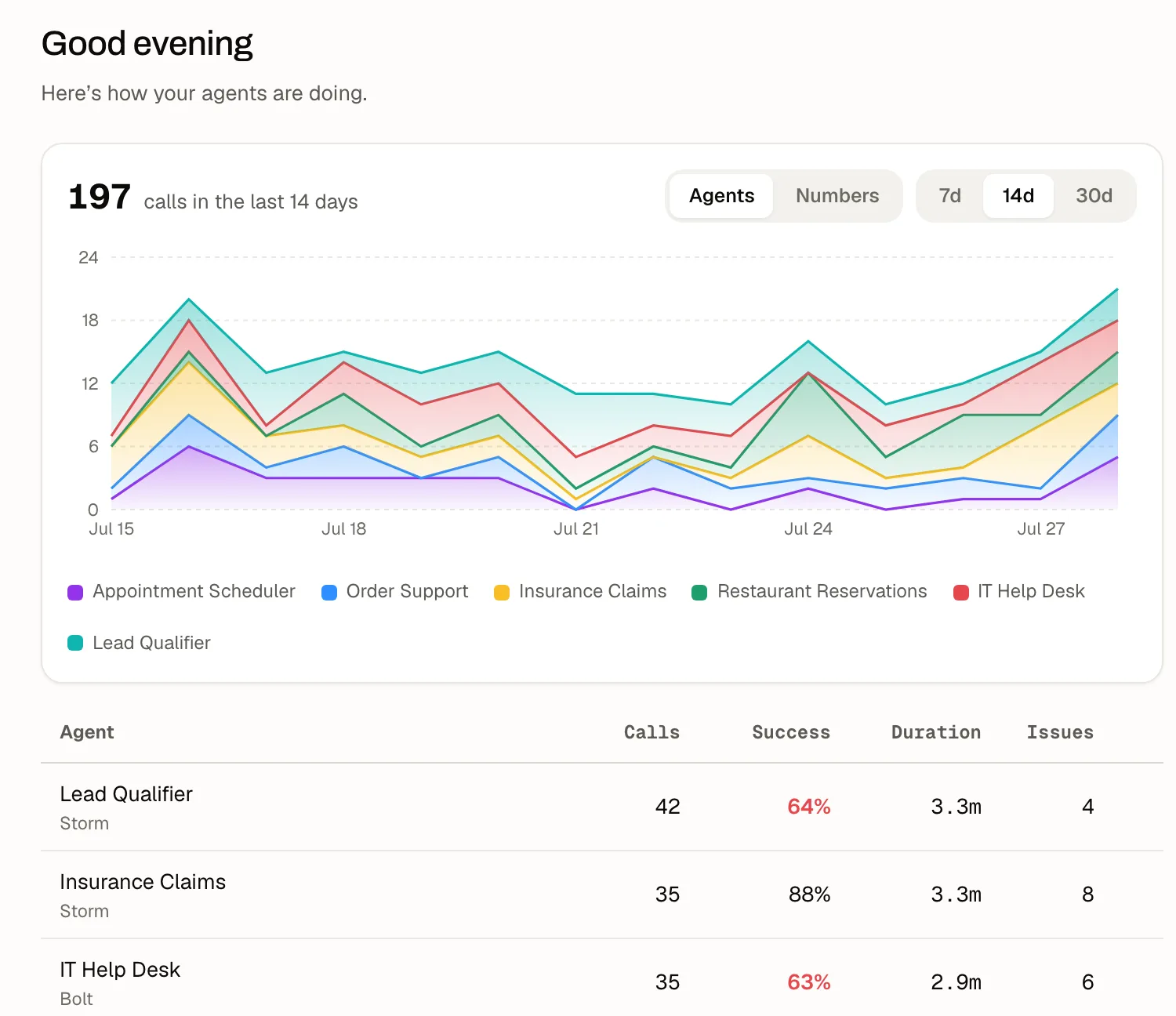
Monitoring & observability.
ThunderPhone gives you full observability across every conversation — call analytics for every agent, auto-detected issues grouped into recurring patterns, and alerts when quality drifts. With live call monitoring you can watch calls in progress and whisper guidance the caller never hears.
Client portals
Handling calls for clients? Give each one a branded, read-only portal showing their own agents and call history — on your domain, and nothing else.
Caller intent was clear, but the agent asked for repetition.
Route unclear dates through the calendar tool before asking again.
Integration connected · 200 OK
Connect any integration in seconds.
Paste a cURL command, import an OpenAPI spec, or drop in a Postman collection — we configure your integration automatically. No SDKs, no webhooks to hand-wire.
Connect your VoIP provider instantly.
Choose your provider, paste the API key, and ThunderPhone prepares the connection so you can import numbers and route calls.
Product UI shown on this page is illustrative — not literal captures of the live app.
Everything else an operator needs.
Knowledge bases
Ground agents in your documents with built-in retrieval — upload, test search, deploy.
A/B experiments
Split live traffic between agent variants and promote the winner.
Outbound campaigns
Run campaigns from the dashboard or API. Upload CSVs with up to 5,000 contacts and per-contact variables, schedule launches and timezone-based calling windows, set pacing and retries, and track live progress. Campaign guide · Campaigns API.
Live supervision
Watch live calls and whisper guidance to the AI mid-conversation.
Copilot
Ask questions about your workspace and get taken straight to the right control.
Alerts
Get notified when error rates spike or call quality drifts.